Customer service8 min read
Customer service chatbot: what it does and how to choose
Chatwize teamPublished on
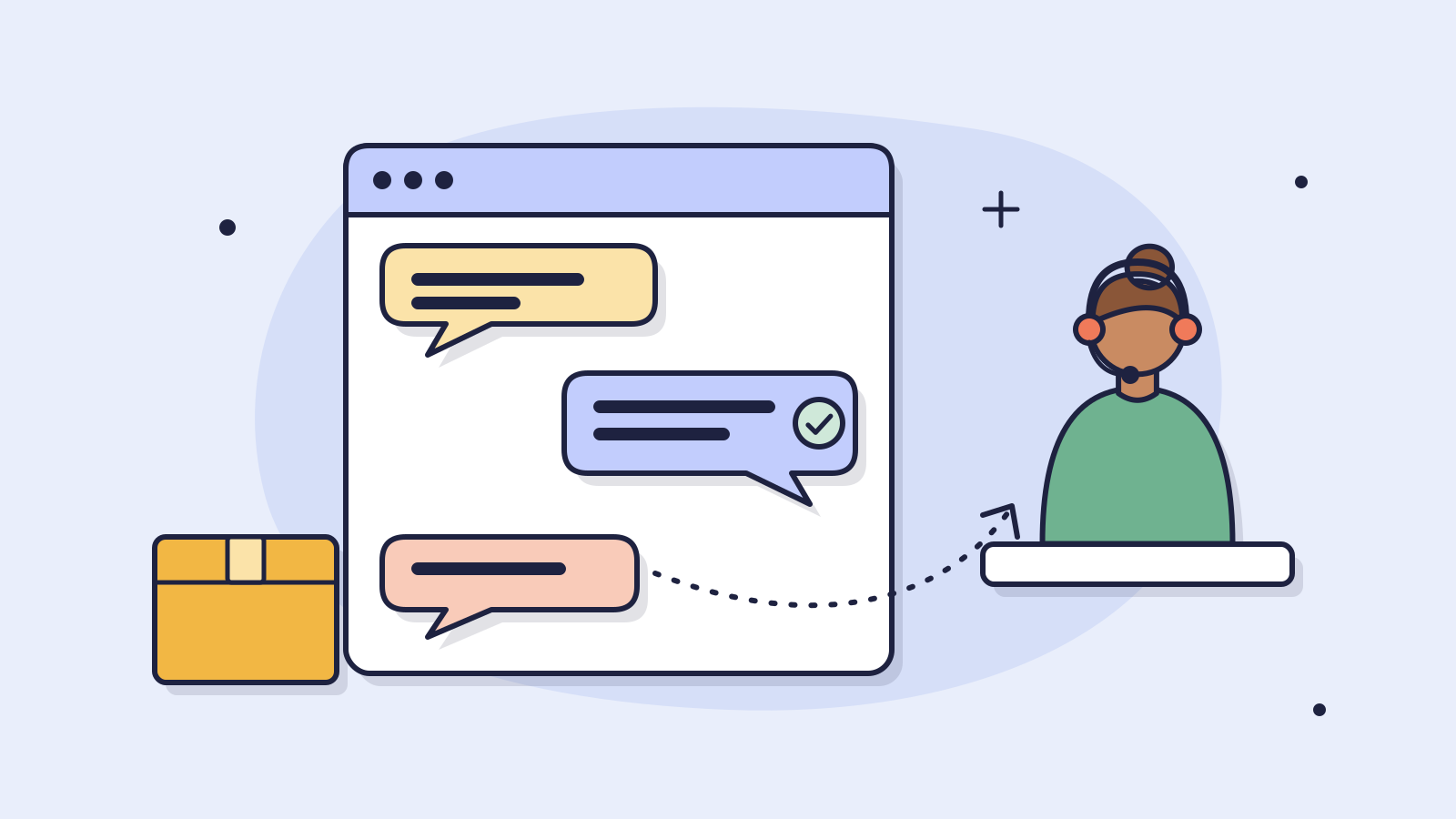
A customer service chatbot is an assistant on your website that answers customer questions day and night, using the information you give it. It is strong on the questions that come back every day, such as delivery times, sizes, stock and terms, and it should pass everything else to a person.
This article covers which customer questions you can safely hand to a chatbot and which you should not, how a button bot differs from an AI chatbot, which businesses it pays off for, and how to choose the right one in six steps. It ends with how to make sure a customer still reaches a person when needed, even if your team is one or two people.
What is a customer service chatbot?
A customer service chatbot is a chat window on your website that answers customer questions by itself. A modern AI chatbot reads the question the way the customer types it, looks for the answer in your product pages, terms and FAQ, and writes the reply in plain language.
Take an online shop selling garden furniture. On a sunny Saturday evening, dozens of questions come in: is this lounge set still in stock, does the cover fit last year's model, what does delivery to the islands cost. Without a chatbot those questions sit in the inbox until Monday morning, and some of those customers will have bought elsewhere by then. With a chatbot they get an answer straight away, from the same information that is already on your site.
Which customer questions can a chatbot handle, and which not?
The rule of thumb: if the answer is written down somewhere, on your site, in your catalogue or in your terms, a chatbot can give it. If the answer depends on a decision, an exception or someone's feelings, it belongs with a person.
| Type of question | Give it to the chatbot? | Why |
|---|---|---|
| Delivery time, shipping costs, free shipping threshold | Yes | Fixed in your terms and the same question every day |
| Which size, which part fits, which variant | Yes | The answer is in your product information; the chatbot asks follow-up questions until it knows what the customer needs |
| Opening hours, collection, returns | Yes | Fixed rules that customers often cannot find on your site |
| Rental price, deposit, what you need to rent | Yes | Your price list and rental terms are the source |
| Volume pricing or a quote for a large order | Partly | The chatbot collects quantities and details and passes on a complete request; you set the price |
| Where is my order? | Only with an integration | Without a link to your order system it can only explain where to find the tracking link |
| Complaint, damaged delivery, angry customer | No | This person wants a human, and often a decision. The chatbot hands over with the conversation attached |
| Exception to your terms, payment, contract | No | That is where your risk is. The chatbot gathers the details, you decide |
A wholesaler of installation materials, for example, gets asked every day which fitting suits a given pipe diameter. That answer is in the catalogue, so a chatbot can give it, even at ten in the evening when the installer is preparing tomorrow's order. Whether a large order earns an extra discount goes to the sales desk.
What is the difference between a button bot and an AI chatbot?
When people say chatbots do not work, they usually mean the button bot: a decision tree with fixed choices. An AI chatbot works differently. You notice the difference most with the question that does not quite fit the menu.
| Button bot (decision tree) | AI chatbot | |
|---|---|---|
| How the customer asks | Picks from fixed buttons | Types the question in their own words |
| What it knows | Only the paths someone drew up | Everything in the sources you give it: site, catalogue, terms |
| A question that does not quite fit | Gets stuck or sends you back to the menu | Finds the answer, or honestly says it does not know and hands over |
| Maintenance | Build every new path by hand | Update your sources; the answers follow |
| Risk | Frustrated customers | A wrong answer if your sources are wrong; hence testing and reading along |
A button bot can still work for one fixed process, such as registering a return. For the broad flow of questions an online shop or wholesaler gets, an AI chatbot is the logical choice, because customers simply do not phrase their questions in your menu structure.
When does a customer service chatbot make sense for your business?
A chatbot pays for itself fastest in businesses where fixed rules or a fixed catalogue decide the answer and the same questions keep coming back. If three or more of these sound familiar, it is worth trying:
A chatbot fits you if
- you answer the same questions every week about delivery, sizes, stock, prices or terms;
- the answers are already written down, on your site, in your catalogue or in a price list;
- questions also come in during evenings and weekends, when nobody is around;
- your team is small and answering email and chat takes time you would rather spend elsewhere;
- customers sometimes drop off because they cannot find the answer quickly enough.
It makes less sense when nearly every question is bespoke, for example when you sell advice and every answer depends on the customer's situation. Then a chatbot can at most help collect details for the first conversation.
How do you choose the right customer service chatbot?
A demo always looks good, because it is built on sample questions. So choose on your own questions, in six steps:
- Make your list. Take last month's emails, chats and phone notes and write down the twenty questions that come back most. This is your test set.
- Try it on your own information. Pick a vendor with a trial, add your product pages and terms, and ask your twenty questions. Check whether the answers are right and whether they sound like your business.
- Test what it does when it does not know. Ask something whose answer is nowhere in your sources. A good chatbot says so honestly and offers to pass the question on. A bad one makes something up.
- Look at the handover. What happens when the customer wants a person? Does the conversation reach your team with the question and contact details attached, so nobody has to start over?
- Ask where the data goes. Customers type names, addresses and order numbers into a chat. Ask where that is stored and whether the vendor signs a data processing agreement, as the GDPR requires.
- Price it on your volume. Ask what you pay per month at last month's number of conversations, including VAT, what happens in a busy month, and how soon you can cancel.
Watch the question that does not quite fit
The twenty easy questions go well with almost any chatbot. You see the difference on the odd ones: a product you do not sell, a size that does not exist, a customer asking two things at once. Put a few of those in your trial on purpose.
In the first weeks, read along with the conversations yourself and fix whatever an answer gets wrong. That is when you learn most about what your customers really ask, and often about what is missing from your website too.
How do you make sure a customer can still reach a person?
A chatbot that keeps customers talking when they want a person costs you more than it brings in. So agree up front when the chatbot hands over and how. Three moments are enough: when the customer asks for it, when the answer is not in the sources, and with a complaint or an exception.
How you set up the handover depends on the size of your team. With one or two people you do not need to sit behind a chat screen all day. A workable setup:
- During the day, when someone is in, the customer can continue with a colleague via live chat. They see the conversation with the chatbot and do not have to ask anything again.
- Outside office hours the chatbot asks for a name and email address and is honest about when the customer will hear back. The next morning the full question is in your inbox.
- With a complaint the chatbot does not say it is solved, but that a colleague will look into it. That way it never promises something you still have to decide.
A trailer rental company with two people at the counter works well this way. The chatbot answers questions about driving licence categories, the deposit and pick-up times. If a customer wants to keep a trailer one more day, the chatbot passes the request on with the booking attached, and the staff member decides.
Frequently asked questions about customer service chatbots
- Does a chatbot replace my customer service team?
- No. A chatbot takes over the questions that come back every day and whose answer is fixed. Complaints, exceptions and decisions stay with your team. In practice it mostly means your staff spend less time on the same questions and more on customers who really need help.
- How much does a customer service chatbot cost?
- With a standard package you pay a fixed monthly amount, and many vendors have a free version to start with. At Chatwize the standard plans run from €149 to €549 per month excluding VAT (chatwize.ai/pricing, November 2026). Beyond that, it mainly costs time to get your information in order and to test. Our article on AI chatbot costs covers the pricing models and a simple sum.
- Can a chatbot make mistakes?
- Yes. An AI chatbot is only as good as the information you give it. If a delivery time differs between two pages, it may quote the wrong one. That is why you test with your own questions first, read along in the first weeks and fix the source when an answer is off. A good chatbot honestly says it does not know instead of guessing.
- How long does it take before a chatbot works?
- Placing it on your website is usually a small piece of code. Most of the time goes into gathering your information, testing with real questions and fine-tuning in the first weeks. Expect a few days of work to start, then a few weeks of sharpening the answers.
- Where does my customers' data go?
- That differs per vendor, so always ask. At Chatwize the data is stored in the EU. In any case, get a data processing agreement, and tell visitors they are talking to an AI assistant: the EU AI Act requires that (Article 50).
Read next
Customer service9 min read
Automate customer service with AI: how 7 small businesses did it
Which customer questions should you automate and which not, how do you do it in five steps and what does it cost? With real figures from Bestel-verf, Horecasupply, Hypadvies and four other small businesses.
Customer service8 min read
AI chatbot vs live chat: when to use which?
When to choose AI, when a human, and when both? Comparison table, 6 moments AI wins, 5 where humans still win, and the hybrid split that works.
Product8 min read
AI chatbot cost in 2026: what you pay monthly and up front
What an AI chatbot for your website costs per month and up front, with and without VAT, what is and isn't included, and a simple sum to see when it pays for itself.
Ready to make this happen for your team?
Book a short demo and we'll show how Chatwize fits your customer questions, channels and processes.