Tutorials8 min read
AI chatbot on your own data: how it works and what you need
Chatwize teamPublished on
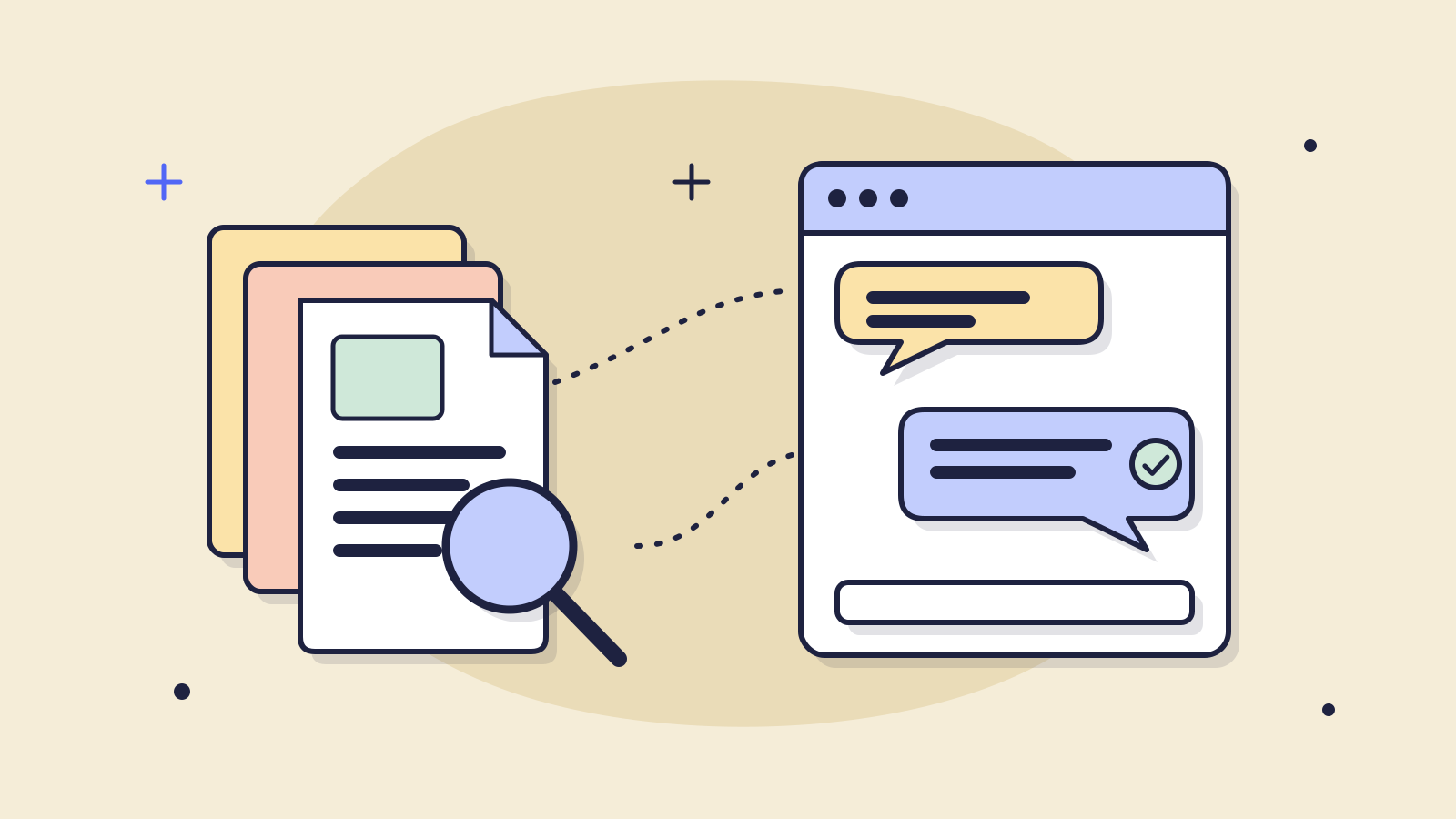
An AI chatbot trained on your own data answers customer questions from your information, such as product pages, terms, price list and FAQ, instead of from whatever it happens to know about the internet. You don't need to train your own AI model for it: you prepare your information, and for every question the chatbot looks up the right part and writes an answer from it.
This article explains how that works, the difference between training and retrieval, which information to prepare and which to keep out, what the chatbot does when the answer isn't there, how to keep answers up to date and what happens to your data. With five steps to get started in an afternoon.
What is an AI chatbot on your own data?
A general AI chatbot like ChatGPT knows a lot about the world and nothing about your business. Ask it about your shop's delivery time or the deposit you charge for a trailer, and it has to guess. A chatbot on your own data is given your information. It uses the language skills of an AI model to understand the question and write a clear answer, but the facts come from what you give it.
Think of a wholesaler in fasteners with a few thousand products. At 9:30 in the evening an installer asks which wall plugs work in aerated concrete and whether they can arrive tomorrow. The answer is in the product sheets and the delivery terms. A chatbot on your own data looks up both and answers with the right plug and the order cut-off for next-day delivery. A general chatbot might name a plug the wholesaler doesn't even stock.
Training or retrieval: what's the difference?
Many business owners assume they need to train an AI model on their company data. You can, but for customer questions it is rarely the best route. There are two ways to make an AI model use your information:
| Retrieval (RAG) | Fine-tuning | |
|---|---|---|
| How it works | For each question the system finds the matching passages in your information and hands them to the model | The model itself is taught with your examples |
| New price or policy | Update the source, the next answer uses it | Train again |
| Where does the answer come from? | A passage you can find and check | What the model remembered, hard to trace |
| What you need | Your existing pages and documents | Lots of examples, technical skills and time |
| Good for | Facts that change: stock, prices, terms, opening hours | A fixed writing style or a very specific task |
Retrieval is known as retrieval-augmented generation, or RAG. The term comes from a 2020 paper by Lewis and colleagues ("Retrieval-Augmented Generation for Knowledge-Intensive NLP Tasks"), in which a language model first fetches relevant text for each question and then writes the answer. What it means for you: your information stays yours and stays editable. Change your return period, update one page, and the next answer is right again.
Which information should you give your chatbot?
The chatbot is only as good as what you give it. So don't start with everything you have, start with the sources that answer your customers' questions:
| Source | Customer question it answers | Watch out for |
|---|---|---|
| Product pages and data sheets | Which size, which material, does this fit that, what's included | Specs should match on every page |
| Delivery and return terms | When will it arrive, what does shipping cost, how do I return | Remove old versions, or it quotes an expired period |
| FAQ | The questions that already come in every week | Write them in your customers' words, not your jargon |
| Price list or rental rates | What does it cost per day, per week, per item | State whether prices include VAT |
| Rental or general terms | Deposit, licence, cancellation, damage | A PDF is fine if the text can be selected, not just a scan |
| Opening hours and pick-up info | When can I come by, where do I park | Include the holiday exceptions |
What you leave out matters just as much. Don't put customer records, internal emails, purchase prices or margins into the sources of a chatbot that talks to visitors. Whatever is in there can end up in an answer. Old price lists and draft terms should go too: two versions of the same rule is the quickest way to a wrong answer.
Start with your inbox, not your document folder
Take last month's emails and chats and see which questions come back most. For each one, find the page or document that holds the answer. If it isn't written down anywhere, write it first. You'll see straight away what's missing from your website.
How do you set up an AI chatbot on your own data? Five steps
- Gather your sources. List the pages and documents that answer the questions in your inbox: product pages, terms, FAQ, price list. Throw out old versions.
- Clear up contradictions. If one page says two working days and another says three, pick one. The chatbot can't know which is right.
- Load the information into the chatbot. With most vendors you connect your website and upload documents. Start with your key sources, not everything.
- Test with real customer questions. Ask twenty questions from your inbox, in your customers' words, typos included. Add a few whose answer isn't anywhere, and see what it does.
- Read along and adjust. Review the conversations for the first few weeks. When an answer is wrong, fix the source rather than just that one answer, so every later question on the topic improves too.
What does the chatbot do when the answer isn't in your data?
This is the question that matters most. An AI model is built to write a fluent answer. If the answer isn't in the sources, a badly configured chatbot may make up something plausible. A well configured one says honestly that it doesn't know and offers to pass the question to a colleague.
A construction equipment rental company sees this quickly. A customer asks whether a mini excavator can be towed on a trailer behind a regular car. If the towing weight isn't listed anywhere, the chatbot should not say yes. It should say it isn't sure, ask for a phone number and pass the question to the counter. A wrong yes costs you far more here than an honest I don't know.
How to test that it doesn't make things up
- ask about a product you don't sell;
- ask for a size or variant that doesn't exist;
- ask for a discount or exception that isn't in your terms;
- ask two questions in one sentence and check it answers both;
- ask for a person and check the handover works.
How do you keep the answers up to date?
Because the chatbot searches your sources for every question, nothing needs retraining. You maintain the sources. A few habits make that easy:
- Make your website the source. When a price or delivery time changes, change it on your site first. Have the chatbot read your website again and the answers follow.
- Replace documents instead of adding them. Upload a new price list, remove the old one.
- Once a month, look at the questions the chatbot couldn't answer. That is exactly the information still missing.
- Keep temporary rules, like holiday opening hours, in one place and remove them afterwards.
What happens to your data?
With a chatbot on your own data, your information should be used to look up answers, not to train a public model. Always confirm that with your vendor, and ask where your data and your customers' conversations are stored and whether there is a data processing agreement, as the GDPR requires. At Chatwize your data is stored in the EU. Our article on AI without training on customer data lists the questions to ask a vendor.
Frequently asked questions about AI chatbots on your own data
- Do I need to train my own AI model to build a chatbot on my own data?
- No. For customer questions the chatbot looks up your own information for every question (RAG). You prepare your website and documents and the chatbot uses them as its source. Fine-tuning a model takes a lot of time and examples and is harder to update when a price or policy changes.
- Can a chatbot trained on your own data make things up?
- It can, if the answer isn't in your sources and the chatbot isn't set up well. So test beforehand with questions whose answer isn't anywhere. A good chatbot then says it doesn't know and passes the question to a colleague. Cleaning up contradicting sources prevents most mistakes.
- How much information do I need?
- Less than you think. Start with the pages and documents that answer the twenty most common questions in your inbox. Then add what the chatbot didn't know in its first weeks. Better little and correct than a lot and contradictory.
- Does it work with PDFs?
- Yes, most vendors read PDFs, as well as Word and Excel files. Make sure the text in the PDF can be selected. A scanned page is an image, and the chatbot can't read text from it.
- Does my data stay in the EU?
- That differs per vendor, so ask. At Chatwize your data is stored in the EU. Also ask for a data processing agreement, and tell visitors they are talking to an AI assistant: the EU AI Act requires that (Article 50).
Read next
Customer service5 min read
Does an AI chatbot train on your customer data? What really happens to it
Does an AI chatbot learn from what your customers type? No. The difference between training, processing and storing, and five questions to vet any vendor before a chatbot goes on your site.
Customer service8 min read
Customer service chatbot: what it does and how to choose
A customer service chatbot answers the questions that come back every day. Which questions to give it, button bot or AI, and how to choose the right one in six steps.
Tutorials8 min read
Chatbot website integration: add an AI chatbot in 5 steps
How to add an AI chatbot to your website without coding: five steps, a table per website platform and what to do when the chat button does not show up.
Ready to make this happen for your team?
Book a short demo and we'll show how Chatwize fits your customer questions, channels and processes.