Tutorials8 min read
A multilingual AI chatbot live in one day: practical guide
Chatwize teamPublished on
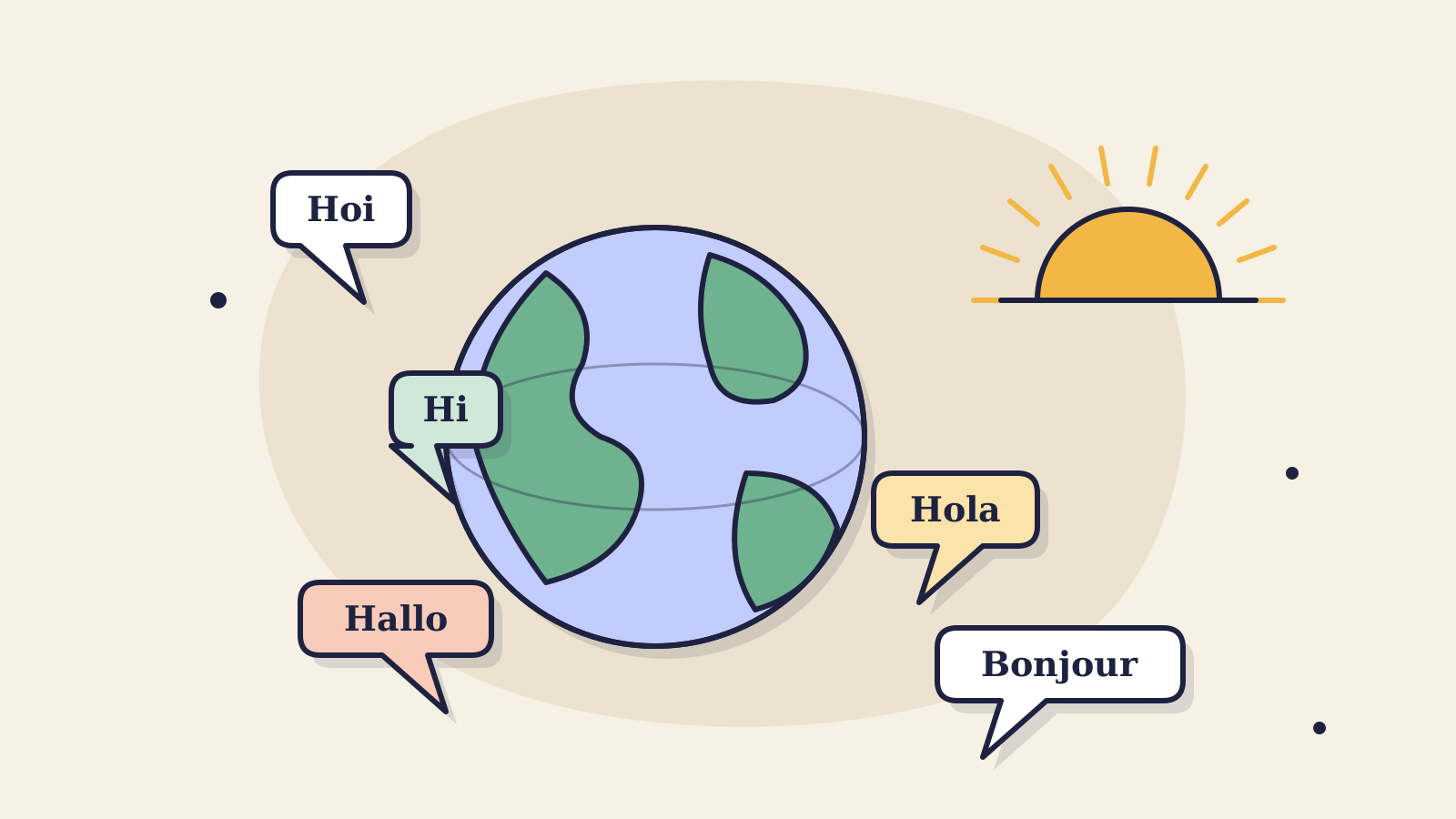
Going live with a multilingual AI chatbot on your website isn't a multi-week project. With the right preparation you go from empty dashboard to a bot helping customers in the language they write in, in a single day, no developer needed. Here's how we do it on implementations.
Prep (1 hour, before)
The boring but important part. The quality of your chatbot is directly tied to the quality of the sources you feed it. Before you log in, gather:
- The 5 most-visited product pages
- Your current FAQ (or a dump of common email questions)
- Returns, delivery and payment policies
- Tone-of-voice guideline, if you have one; otherwise 3 example replies from your best support agent
Most important filter
Only give the bot content you also publish online. Internal docs with margins, agreements or non-public pricing don't belong in the chatbot.
Setup (2 hours, in the dashboard)
Step 1, Branding in 5 minutes
Paste your primary colour, pick a corner radius that fits your site, upload the logo. Done. This is the part people want to spend longest on, don't. Move on, you'll tweak it later anyway.
Step 2, Add sources
Add the URLs from your prep. Not your whole sitemap, the deliberate 5–15 pages you need. A focused bot outperforms a bot that's drowning in noise.
Step 3, Buttons, not open fields
Customers don't love typing. Add 3 to 5 buttons in the welcome screen for the most common paths: “Browse products”, “Delivery time”, “Get in touch”. Lowers friction and steers the conversation to predictable outcomes.
Step 4, System prompt: short and concrete
Good system prompts fit on an index card. What's your role, for whom, in which language do you reply (answer: the same language as the question), what do you never do, and when do you escalate? Nothing more.
Test (1 hour, before going live)
This is where most implementations save the most time, and where most go wrong. Ask the same 10 questions across 4 languages and don't check whether the bot “says something”, check whether it says it correctly. Examples:
- A product question you know the answer to
- A question your sources don't cover
- A question in a non-default language
- An “I want to talk to a human” question
- A question with a price or stock component
- A returns or warranty policy question
- A question outside your domain (test that it politely declines)
- A question with a typo
- A multi-step question (“I'm looking for X for Y”)
- A question from an unhappy customer
What to do when a test fails
Don't hand-write the answer. Add the missing source or sharpen the system prompt. A bot hard-coded with replies is a 2018 chatbot.
Live + the first two weeks
Go live on a quiet moment of the week. Block two review sessions: at 7 and at 14 days, 30 minutes each. Walk the logs, flag the 5 replies you're not happy with, and update the source or prompt in the same session. That's where 80% of your improvement gains live.
1 day
for a full go-live
95+
languages out of the box
30 min
weekly iteration in month one
Read next
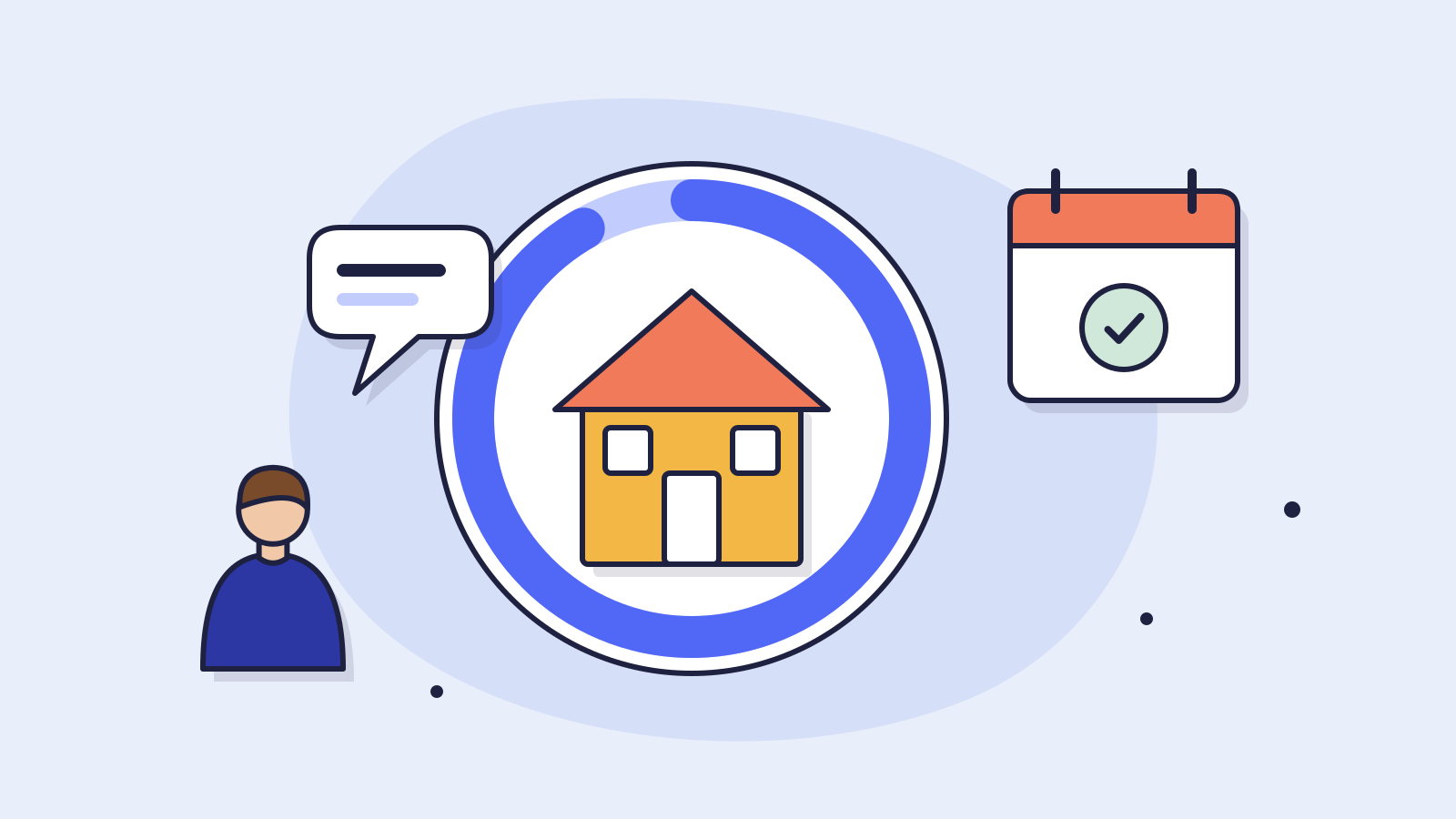
Customer service6 min read
How Hypadvies automated 91.8% of mortgage questions
An independent mortgage advisory firm now resolves 91.8% of incoming questions automatically, appointment booking included. The concrete choices they made and what an advisory firm can copy.
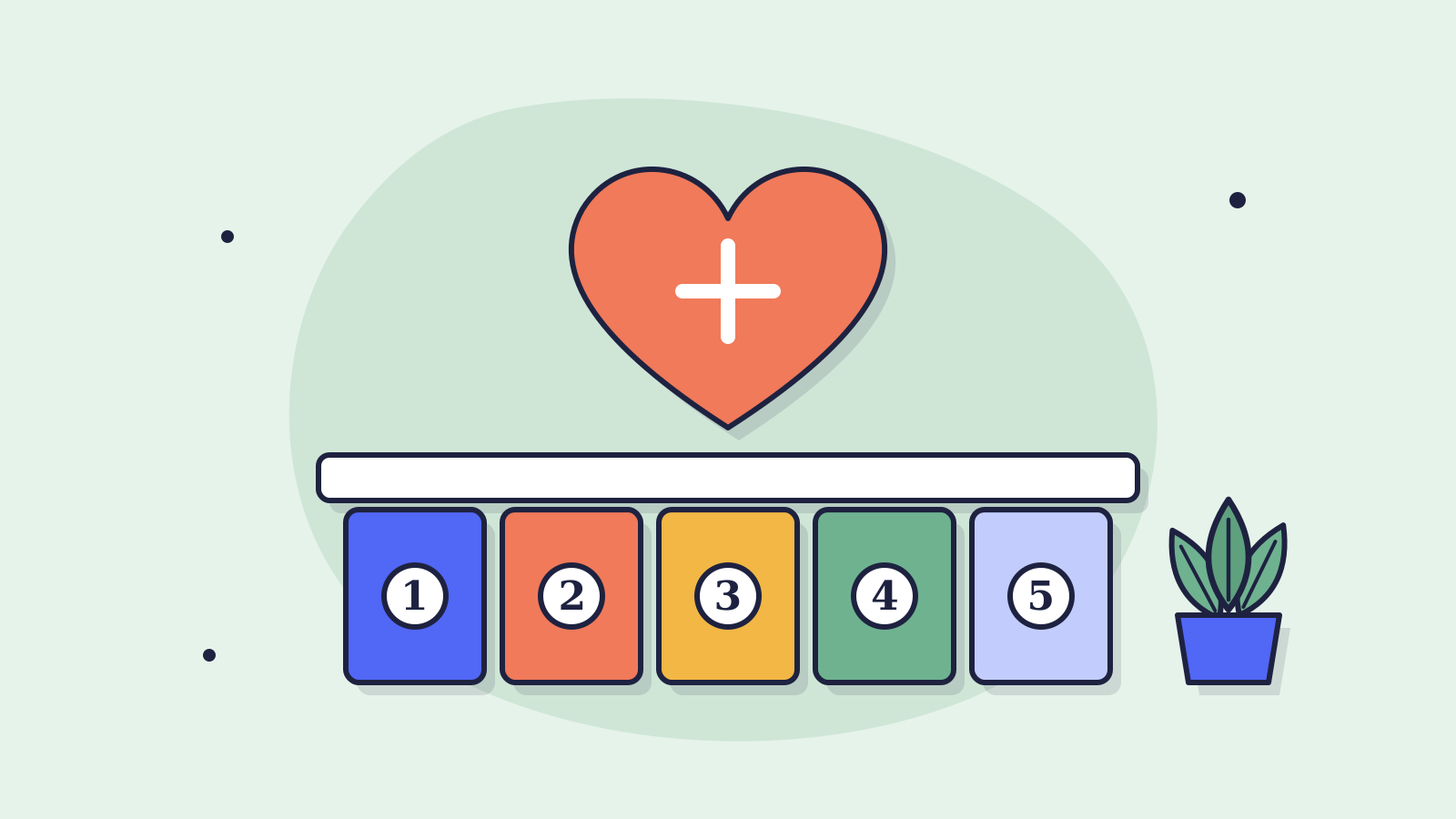
Industries7 min read
AI chatbots for healthcare: 5 fundamentals to nail first
Privacy, escalation, language, urgency and tone: before you roll out a healthcare chatbot, these five fundamentals must be in place. A practical checklist drawn from real deployments.
Ready to make this happen for your team?
Book a short demo and we'll show how Chatwize fits your customer questions, channels and processes.