Marketing7 min read
Qualify leads without code: from first question to CRM
Chatwize teamPublished on
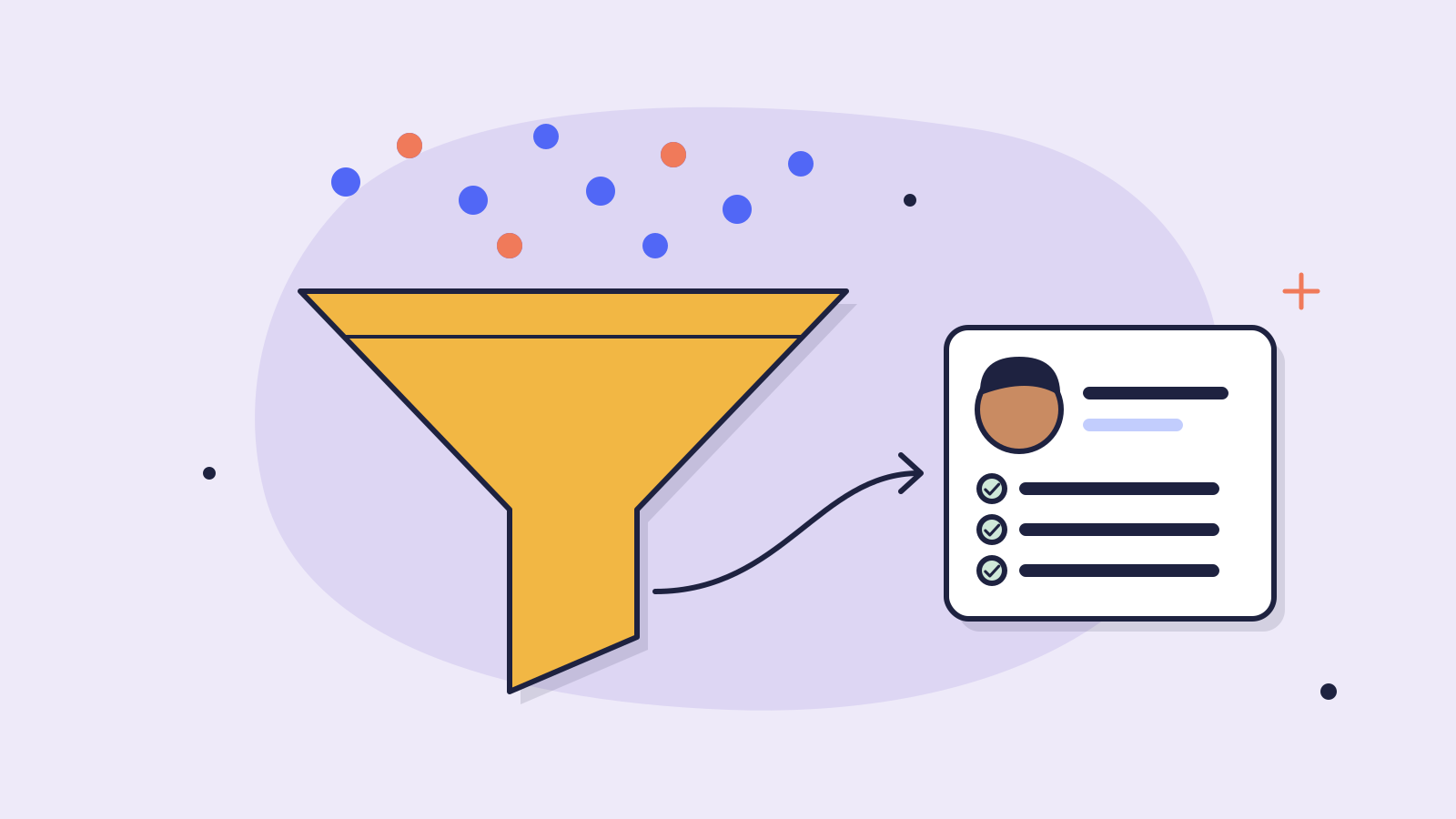
The default contact form underperforms because it asks the wrong things at the wrong moment. An AI chatbot can do the same, and more, inside a natural conversation: qualify leads, capture signal and hand off cleanly to your CRM, without anyone writing a line of code.
Why 80% of lead forms underperform
Classic forms ask the questions you want answered, name, company, “how can we help?”, before the visitor has any reason to want to fill them in. The result: high bounce, half-completes, or leads with no context that your sales team has to cold-call.
A chatbot reverses that order. The visitor first gets an answer to their question, and only when that answer naturally points to “let's look at this together” do they share details, voluntarily and with context.
Mental check
For every field you want to ask: does the visitor have a good reason right now to share this? If not, ask it later, or not at all.
The 3 questions a chatbot must answer
Forget BANT, MEDDIC and the rest of the sales acronym jungle. For 95% of B2B leads you want three things, and you can elicit them in a conversation without it feeling like an interview.
1. How do they solve this today?
“How are you handling [the problem] right now?” That's gold. The answer tells you whether there's pain, how acute, and which alternatives you compete against. A lead saying “we still do it manually” is a different lead from “we have Tool X but it doesn't work”.
2. Who else is involved in the decision?
Not “are you the decision-maker?”, that's a guarded question. Better: “Are you running this with colleagues? Who would you want to involve?” That surfaces stakeholders without it feeling like a filter.
3. Where is this on your timeline?
Time is a better qualifier than budget. “When would you like to get started?” is open and revealing. “Next month” and “maybe Q3” are different worlds, sales schedules around that, not around an arbitrary euro figure.
What goes into the CRM (and what doesn't)
Don't pipe the entire transcript into your CRM. What does belong inside:
- Contact details (only what the lead voluntarily shared)
- The three qualification answers (current solution, stakeholders, timeline)
- URL of the page where the conversation started
- A link back to the full transcript for the rep
- One tag for intent (demo, pricing, partnership, support)
Don't do this
Pasting full conversations into CRM fields. Records become unreadable, drift out of sync, and sales never reads them anyway.
Webhook + tags: the minimal schema
With Chatwize webhooks the conversation lands as JSON in your CRM (HubSpot, Pipedrive, Salesforce, internal tool). A simple schema that works in practice:
- lead.email, lead.name, lead.company, what the lead provided
- qualification.current_solution, free text
- qualification.stakeholders, free text
- qualification.timeline, “< 1 month”, “1-3 months”, “3-6 months”, “later”
- context.source_url, page where the conversation started
- context.transcript_url, link to the Chatwize dashboard
- context.intent, “demo”, “pricing”, “partnership”, “support”
Four tags on “timeline” and four on “intent” gives you usable segmentation without pipeline engineering.
When to let the bot close, and when not
The bot can book a demo straight into a calendar, or hand the lead to a specific rep. Only do the first if your team can keep up: a lead that expects a Zoom link in 24 hours and hears nothing at hour 48 wasn't a lead, that was an experience that made someone walk away.
Rule of thumb
Let the bot book a meeting if sales can respond inside 4 hours. Otherwise: signal only, promise nothing, and follow up with a personal email from a real name.
What this delivers in practice
2–3×
more leads on the same traffic
60%
less time spent on initial discovery calls
0
lines of code for the whole flow
More important than the numbers: your sales conversations now start at step three instead of step one. That changes the tone, pace and close-rate.
Read next
Customer service6 min read
How Hypadvies automated 91.8% of mortgage questions
An independent mortgage advisory firm now resolves 91.8% of incoming questions automatically, appointment booking included. The concrete choices they made and what an advisory firm can copy.
Tutorials8 min read
A multilingual AI chatbot live in one day: practical guide
From empty dashboard to a chatbot helping customers in their own language, no developer required. Includes the ten test questions to ask before going live.
Ready to make this happen for your team?
Book a short demo and we'll show how Chatwize fits your customer questions, channels and processes.